Smart home devices are everywhere now. Video doorbells, smart thermostats, voice assistants, and smart locks promise convenience and energy savings. But when you live in a rental, a natural question comes up. What are you actually allowed to install in a home you do not own?
The answer is more encouraging than many renters expect. A growing number of smart devices are designed to work in rentals without permanent changes. Still, your lease has the final word. This guide explains which devices are usually fine, which ones need permission, and how to avoid deposit trouble.
Start With Your Lease
Before you buy anything, read your lease for clauses about alterations, modifications, and fixtures. Most leases prohibit permanent changes to the property, and some specifically mention smart devices or surveillance equipment. A clause about “no alterations without written permission” covers a smart thermostat just as much as a new light fixture.
If you are still shopping for a place, this is a good question to ask while you are reading the lease before signing. Some landlords are tech friendly and will happily approve reasonable upgrades. Others are strict. Knowing where your landlord stands helps you decide whether this is the right rental for you.
Devices That Are Usually Fine Without Permission
Many smart devices require no installation at all. Smart speakers, smart plugs, and smart light bulbs simply plug in or screw into existing sockets. These leave no trace when you move out, so landlords almost never object to them. They are the easiest win for renters who want a smarter home.
Battery powered sensors are another safe category. Door and window sensors, motion sensors, and water leak detectors usually attach with removable adhesive strips. Because there is no drilling or wiring, they do not count as alterations in most leases. Just keep the original packaging so you can remove everything cleanly at move out.
Standalone smart cameras that sit on a shelf or desk are also generally fine inside your unit. They do not attach to the property, and they record only your own living space. The rules get trickier with cameras that point at shared spaces, which we will cover below.
Devices That Usually Need Landlord Permission
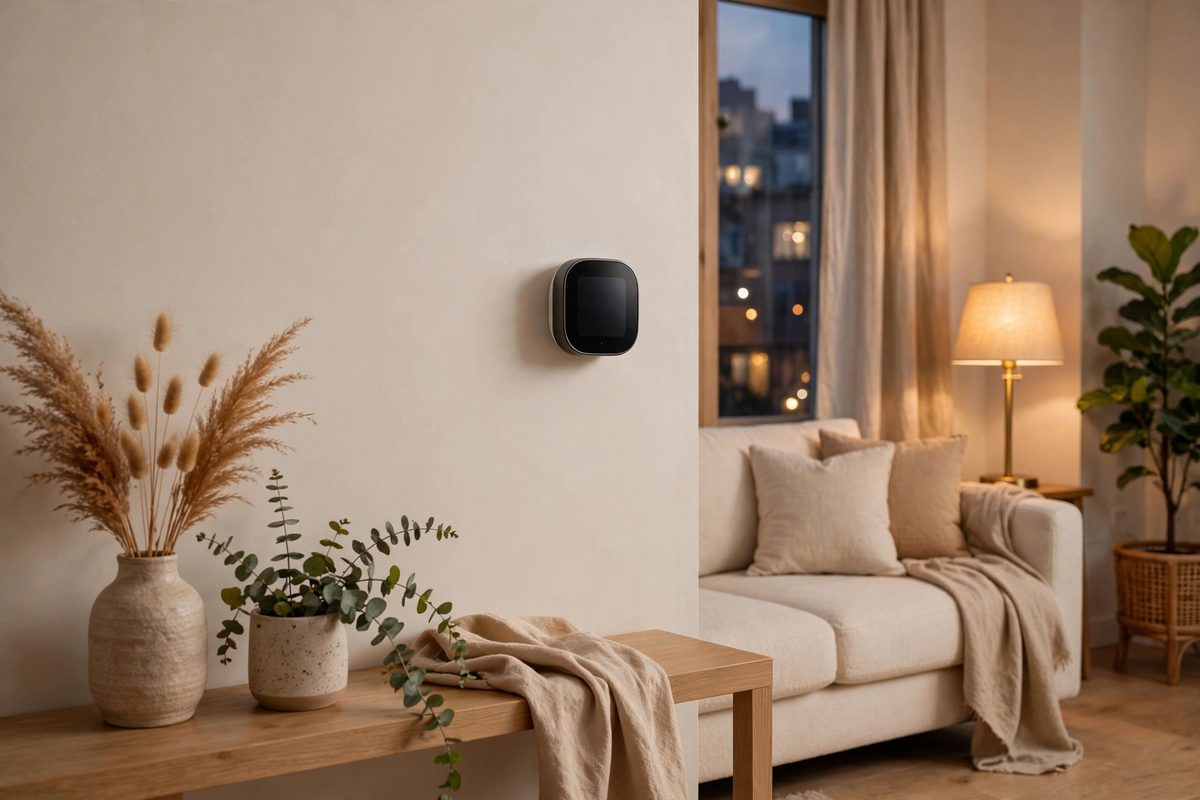
Some devices involve permanent or semi permanent changes. A smart thermostat typically requires removing the existing thermostat and rewiring the connections. A smart doorbell often needs to be wired to the existing doorbell transformer or screwed into the door frame. Both of these usually count as alterations under a standard lease.
Smart locks sit in a gray area. Many smart deadbolts replace the existing deadbolt entirely, which means you are removing the landlord’s property. Even if you reinstall the original lock when you move out, most leases require written permission first. Landlords also worry about being locked out in an emergency, so they may ask for a key or a backup code.
The rule of thumb is simple. If installing the device changes the property in any way that requires tools, assume you need permission. A quick email to your landlord is cheap insurance. If they say yes, keep the written approval with your lease documents.
Watch Out for Wall Damage
Even renter friendly devices can cause trouble at move out if they damage walls. Adhesive mounted cameras and sensors can peel paint when removed. Mounting brackets for doorbells or cameras can leave holes. These problems fall under the same rules as nail holes and wall damage, and your landlord can deduct repair costs from your security deposit.
To protect your deposit, use damage free mounting products and test them in an inconspicuous spot first. Take photos of walls before you attach anything and after you remove it. Small care now can save you a deposit dispute later.
Smart Cameras and Privacy Rules
Security cameras are the most sensitive category of smart devices in rentals. Recording inside your own unit is generally your business. But cameras that point at shared hallways, stairwells, or a neighbor’s door can violate privacy expectations and even state surveillance laws.
Some leases explicitly ban cameras in common areas. Even if the lease is silent, filming neighbors without their knowledge can create conflict and legal exposure. Audio recording is especially risky, because many states require all parties to consent to being recorded. If your camera records sound, check your state’s wiretapping laws before pointing it at anything beyond your own front door.
Video doorbells deserve special attention. They record everyone who approaches your door, including neighbors and the landlord. If your lease gives your landlord entry notice rules that let them inspect the property, a camera that records every visit could be seen as interfering with those rights. Talk to your landlord before installing one.
Smart Devices and Your Electricity Bill
Smart thermostats and smart plugs are marketed as energy savers, but in a rental you need to think about who pays for utilities. If you pay the electric bill, a smart thermostat can genuinely save you money by learning your schedule. If utilities are included in your rent, the landlord gets the savings while you paid for the device.
There is also the question of what happens to the device when you move. A smart thermostat wired into the wall is awkward to uninstall, and many tenants leave it behind. If you do, you have effectively gifted your landlord an upgrade. That is fine if you planned for it, but factor it into the cost before you buy.
Getting Permission the Right Way
When you need permission, ask in writing and be specific. Tell your landlord exactly which device you want to install, how it attaches, and what will be left behind when you move out. Offer to restore everything to its original condition, and mention that the device can actually improve the property.
Many landlords say yes to smart thermostats and smart locks because these upgrades make the unit more attractive to future tenants. Framing your request as a benefit to the property, rather than just a personal convenience, increases your chances. If the landlord agrees, get the approval in writing and save it with your lease.
Remember that permission for one device does not cover everything. If your landlord approves a smart thermostat, do not assume that approval extends to a video doorbell or a smart lock. Ask separately for each device that involves any kind of installation.
Removing Devices When You Move Out
Plan your exit from the day you install anything. Keep the original thermostat, lock, or doorbell in a labeled box so you can reinstall it before your final walkthrough. Take photos of the original setup before you change anything, because a year later you will not remember exactly how the wires were arranged.
Remove adhesive mounted devices slowly and gently to avoid peeling paint. If a sensor leaves residue, clean it with an appropriate solvent rather than scraping. These small steps take minutes and can save you from deductions that would cost far more than the device itself.
Final Thoughts: Smart Choices for Renters
Smart home devices can absolutely work in rentals, but the rental friendly path is the safest one. Stick with plug in devices, adhesive mounted sensors, and anything that leaves no trace. For devices that require wiring or hardware changes, get written permission first.
Before you invest, remember that getting permission before painting follows the same logic as smart devices. Any change to the property, however small, belongs in a written agreement. A little paperwork now keeps your deposit safe and your landlord happy when it is time to move.