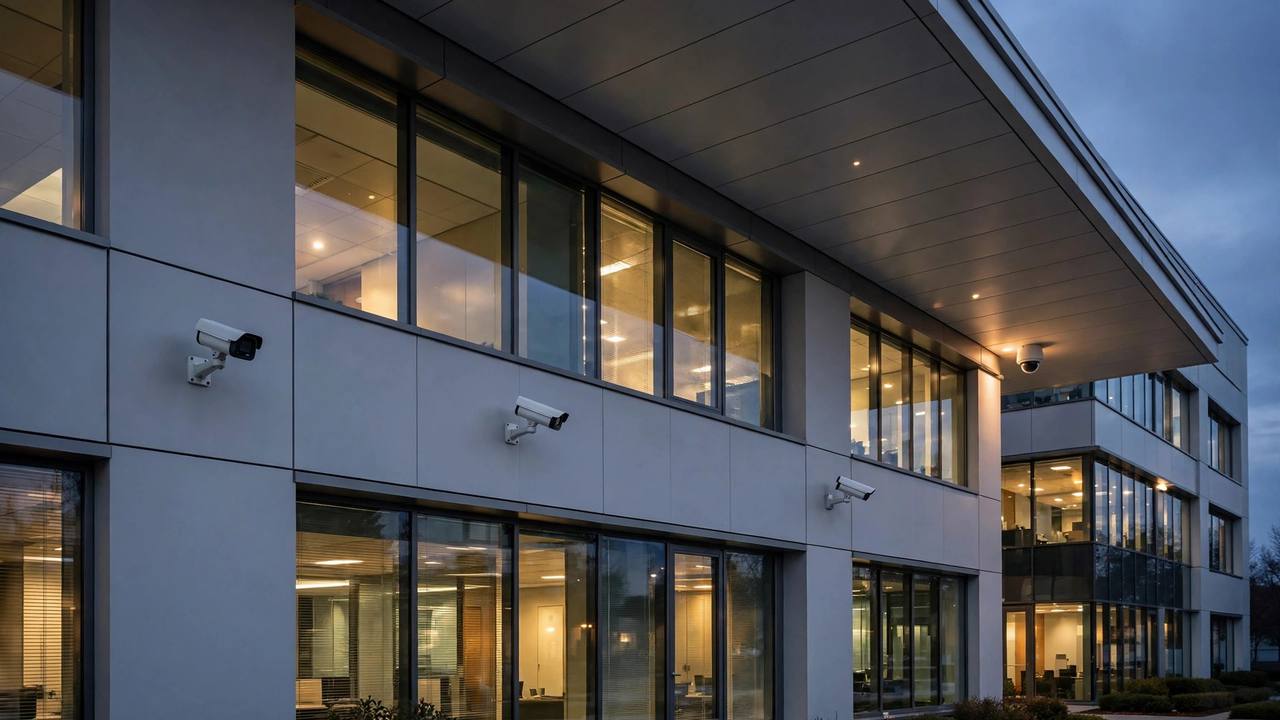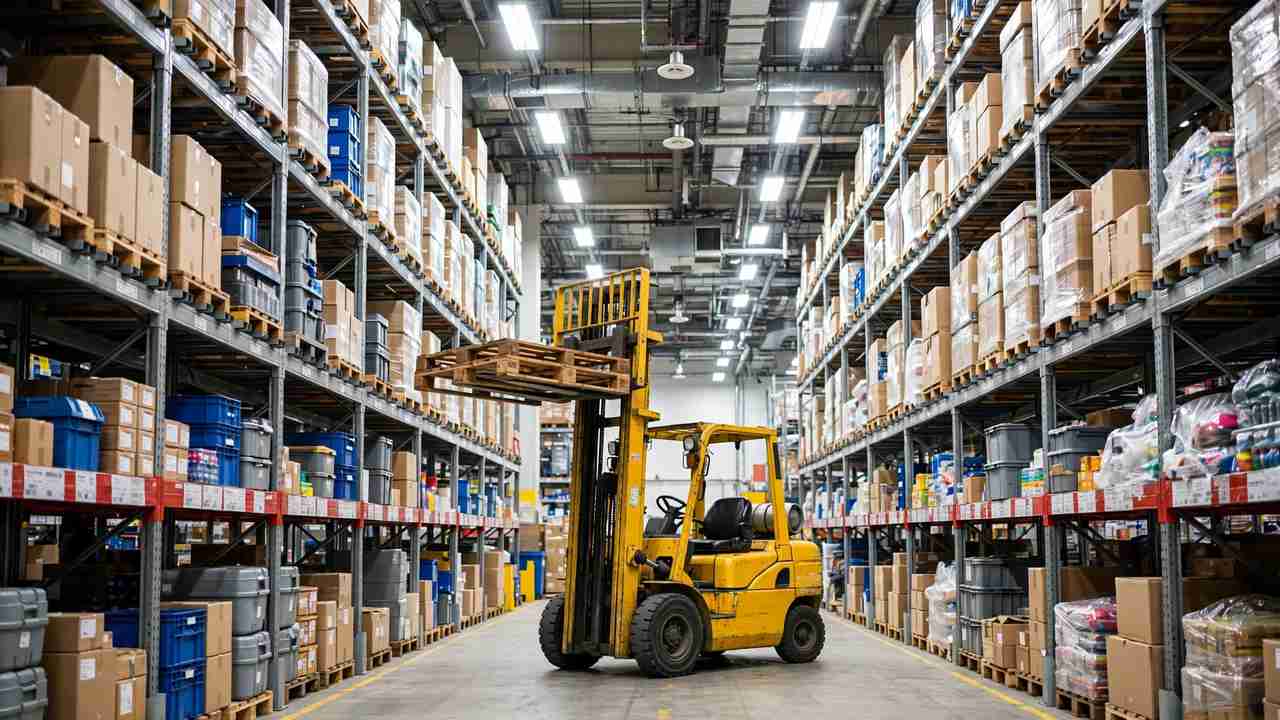
A working camera system is now expected on almost every commercial property, from retail storefronts to warehouses and office parks. Cameras deter theft, reduce liability disputes, and give owners a record of what happens on their premises. The catch is the price tag. A professionally installed system with high resolution cameras, recording hardware, and storage can cost several thousand dollars before the first month of service begins.
Leasing spreads that cost into a predictable monthly payment and often bundles installation, maintenance, and software into one contract. This guide explains how commercial security camera leasing works, what it typically costs, and which contract terms deserve a close read before you sign.
Why Businesses Lease Security Camera Systems
Buying outright means paying for cameras, network video recorders, hard drives or cloud subscriptions, cabling, labor, and permits all at once. For a 16 camera system at a small warehouse, that bill often lands between 8,000 and 25,000 dollars depending on camera quality and installation complexity. Many small businesses would rather keep that cash for inventory, payroll, or expansion.
A lease turns the lump sum into monthly payments, which makes budgeting simpler and keeps the project off the capital budget. In many companies, a monthly operating expense is easier to approve than a five figure purchase request. That alone explains much of the popularity of camera leasing.
Keeping Up With Camera Technology
Security technology changes fast. Four K resolution, artificial intelligence video analytics, license plate recognition, and cloud based management have all become common within a few years. A system bought today can feel dated before it wears out. Lease terms of 36 to 60 months let businesses schedule a refresh, because the contract often includes upgrade options or a defined end point where newer equipment can replace the old.
Smart building technology follows the same pattern. When cameras connect to access control, alarms, and lighting, the whole system is only as current as its weakest device. Owners who track how smart devices are handled in rental properties know that compatibility and upgrade paths matter, and the same logic applies to leased commercial security gear.
How Security Camera Leasing Works
In a typical equipment lease, a leasing company owns the cameras and recorders for the term of the contract. Your business pays a fixed monthly amount for 24 to 60 months. At the end of the term, you return the equipment, renew the lease, or buy it at a price set in the contract. You do not own the hardware during the lease, which is the key difference from a loan.
Two structures dominate. An operating lease usually ends with a fair market value purchase option, and it is built for equipment that will be upgraded. A capital lease, sometimes called a finance lease, ends with ownership transferring to you, often for a nominal amount. The structure affects taxes and accounting, so confirm with your accountant which one fits your business.
Many camera leases are bundled, meaning installation labor, maintenance, software licenses, and even cloud storage sit inside the monthly payment. Bundling is convenient, but it makes the true cost harder to compare across vendors. Ask every vendor for an unbundled breakdown so you can see what the hardware, labor, and service portions actually cost.
Typical Costs of Leasing a Camera System
Monthly payments are usually quoted per camera or per system. A common range is 25 to 75 dollars per camera per month, which puts a 16 camera system between roughly 400 and 1,200 dollars per month. Larger systems and high end cameras with analytics push payments higher, while simple indoor cameras at a small office sit at the lower end.
Several factors move the number. Camera count is the biggest, followed by resolution, indoor versus outdoor ratings, storage method, installation difficulty, and lease length. A longer term lowers the monthly payment but increases the total paid, so compare the full term cost, not just the monthly figure.
Watch the extras. Some contracts add fees for installation, training, remote monitoring, cellular backup connections, or early termination. A quote that looks cheaper per month can become the most expensive option once fees are added. Get every fee in writing before you decide.
Contract Terms That Deserve a Close Read
Start with the term length, payment schedule, and any automatic renewal clause. Some leases roll over into another full term unless you give written notice 90 days before the end date. Missing that window can lock you into payments for equipment you intended to return.
Next, check who handles repairs. Cameras live outdoors in heat, cold, and rain, and hard drives fail. A contract that includes replacement hardware and labor protects you from surprise bills. If maintenance falls on you, budget for it.
Insurance is another point to clarify. The lease may require you to carry specific coverage on the equipment. Review how insurance requirements work in commercial leases so the coverage you buy actually satisfies the contract, and confirm who bears the loss if a camera is stolen or damaged by weather.
Upgrade and Expansion Options
Businesses grow, and so do their security needs. Check whether the lease lets you add cameras mid term and at what price. Some contracts allow additions at the original per camera rate, while others price them as a new lease. Also ask whether you can swap a failing model for a newer one without restarting the term clock.
End of Lease Choices
Most contracts give you three exits. You can renew at a reduced rate, return the equipment, or buy it at the stated purchase option. If the contract names a fair market value, understand that the lessor decides that value. If you plan to keep the equipment, a fixed purchase price is usually friendlier.
Questions to Ask Before You Sign
Ask the vendor for the total cost over the full term, not just the monthly payment. Ask who owns the video footage and where it is stored, because some cloud based systems keep your recordings on servers you do not control. Ask what happens to your footage access if you cancel or default.
Ask about response times for service calls. A camera that covers a loading dock is no help if it sits broken for three weeks waiting on a technician. A service level commitment in writing beats a verbal promise every time. Ask whether the vendor provides training so your staff can actually use the software.
Finally, ask who signs the guarantee. Many equipment leases require a personal guarantee from the owner. Before signing one, review the difference between a lease guaranty and a surety bond so you understand exactly what personal risk you are taking on.
Common Pitfalls to Avoid
The most expensive mistake is ignoring the renewal clause. Businesses have paid thousands in extra months because nobody flagged the notice deadline on a calendar. Mark it the day you sign.
Another trap is leasing for longer than the equipment’s useful life. A 60 month term on cameras that will be obsolete in 36 months leaves you paying for dated gear. Match the term to the realistic life of the technology.
Hidden fees round out the list. Installation trip charges, restocking fees on returns, and penalties for paying by credit card have all surprised lessees. Read the fine print line by line, and ask the vendor to confirm in an email that the written fee schedule is complete.
Getting Started
Gather quotes from at least three vendors and compare them on total term cost, included services, and contract terms. Walk the property with each vendor so quotes reflect the real camera count and cable runs, not a guess from a floor plan.
Have your accountant and, if the numbers are large, your attorney review the final contract before you sign. A camera lease is a multi year financial commitment, and an hour of professional review is cheap insurance. With the right terms, leased cameras protect your property without straining your cash flow.